
Lightroom updates ensure you're always in sync
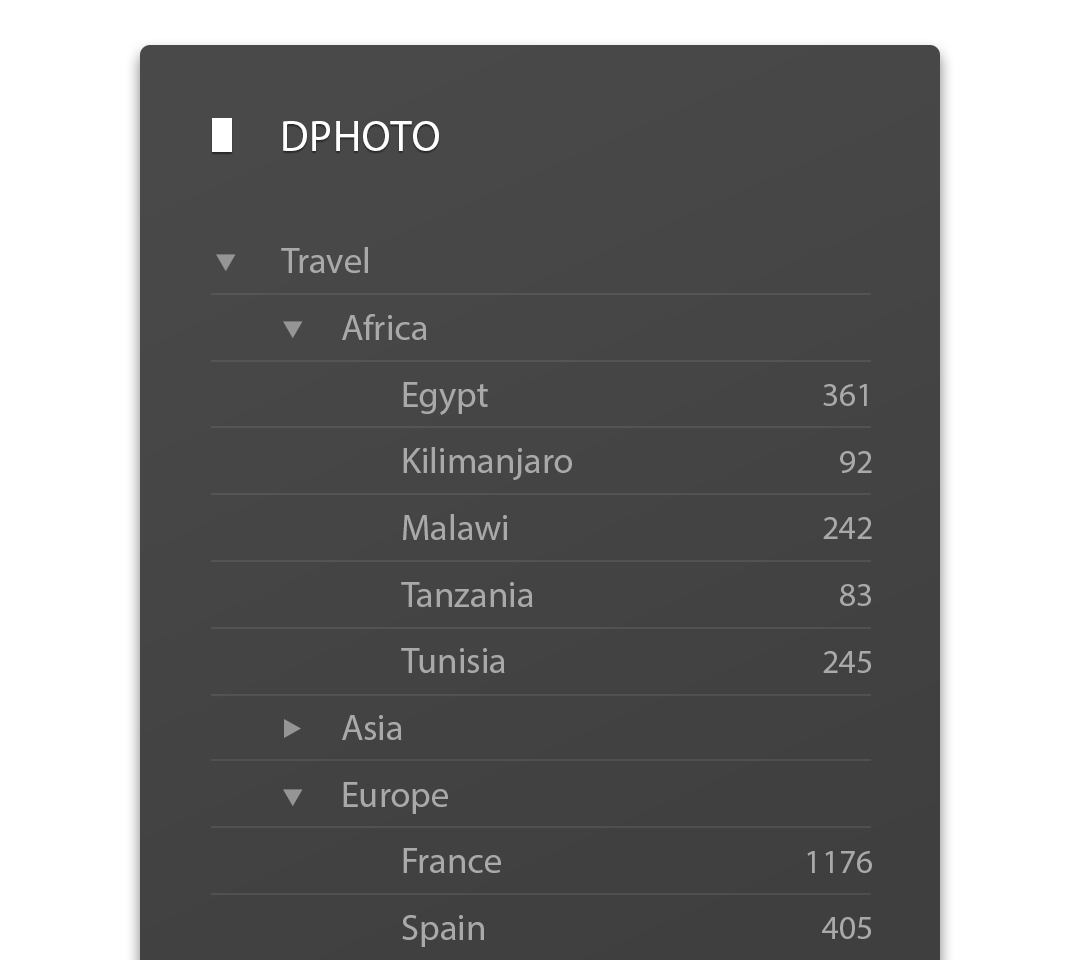
We’re very happy to announce version 3 of our Lightroom plugin, which builds even more DPHOTO functionality directly into Lightroom. Almost every major DPHOTO feature is now available through the plugin - which means it’s possible to manage your entire online gallery without ever leaving Lightroom.
This update includes a range of performance improvements, bug fixes, and UI enhancements to both the Export Service, and the Publish Service. However, there are two major new features in the Publish Service that really make DPHOTO and Lightroom work seamlessly together: Folders and Sync.
Folders
DPHOTO has always allowed you to group your albums into folders, but that feature was missing from the Lightroom Publish Service. You can now create, edit, and delete albums and folders, right from the Publish Service. You can even rearrange them via drag-and-drop! Having all your folders listed right there in your Lightroom Library means quick access to them - so previewing and sharing folders is now only a click away.
Sync
Using the DPHOTO Publish Service provides many amazing features for managing your content, but these features were previously only available to albums and photos that were added through the Publish Service. Now, you can now extend these capabilities to all the content in your DPHOTO account. The Publish Service now features a ‘Sync albums’ and ‘Sync photos’ option, which allows you to import your existing albums, folders, photos and videos into a Publish Service.
Album Sync - The album sync option will import your existing album structure from DPHOTO into the Publish Service, and then keep everything in sync. This means you can now Publish photos to albums which were created outside of Lightroom, allows you to edit and share those albums from within Lightroom. And it makes everything more consistent - because your DPHOTO album structure is perfectly replicated inside the Lightroom Publish service.
Photo Sync - A publish service keeps track to any changes you make to files in Lightroom, and syncs those changes to DPHOTO. However, Lightroom could only ever track changes to photos you added via that Publish Service - not files you’ve added through other apps or the website. With the new Photo Sync option, we will scan your Lightroom catalog to find any images you’ve added through other apps.
These new sync features are great for everyone, but they are especially useful if you use multiple publish services, multiple catalogs, or multiple computers - because it means you can Publish from wherever your are, and everything will alway be up to date.
**Lightroom Plugin**
To learn more about the benefits of the Lightroom plugin, or to download the latest version, head over to our [Lightroom](/apps/lightroom) page.
To learn more about the benefits of the Lightroom plugin, or to download the latest version, head over to our [Lightroom](/apps/lightroom) page.